
 Measurement
The window is designed to follow the measurement flow, with key information visibly arranged.
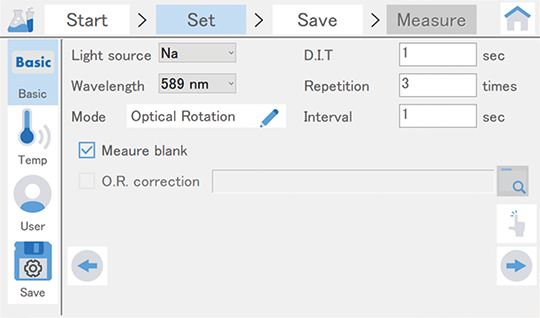
Parameter setting
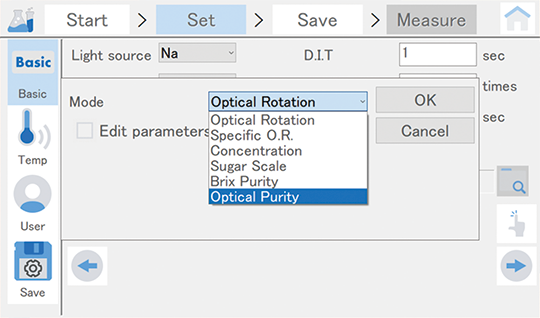
Selection of measurement mode
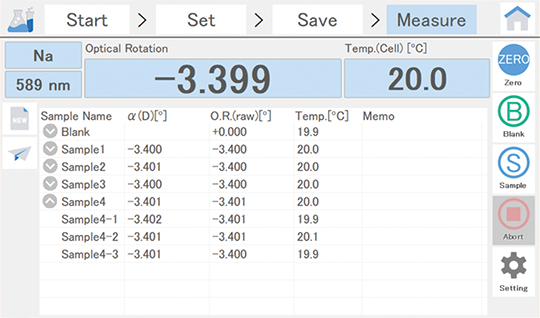
Measurement window
 Analysis
The users can review the measured/saved data along with measurement conditions.
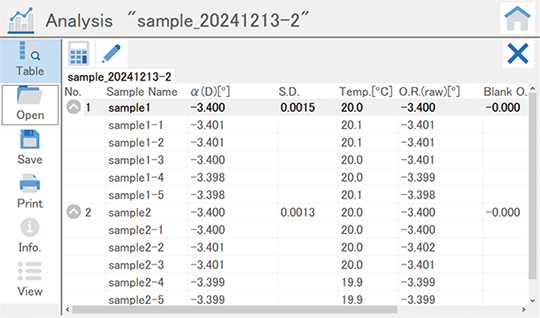
Analysis window
 Daily check
The users can check the instrument conditions for stable polarimeter operation.
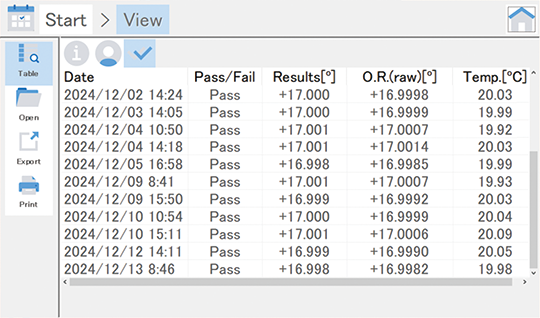
Result preview
 Validation
The users can verify the instrument performance using the test items described in pharmacopoeias (JP/USP/EP).
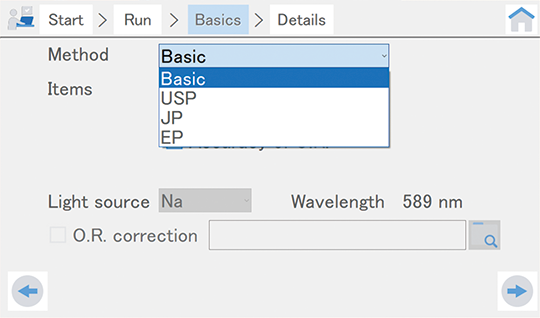
Test item selection
 Signature
This function allows to electronically sign to parameter setting file and data file.
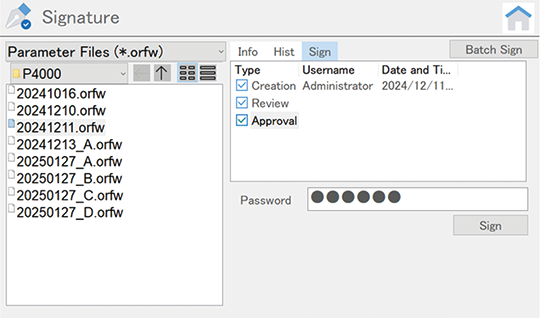
Confirmation of electronic signature
 Settings
The users can manage (set or confirm) about general instrument settings, including usage condition, basic function, user/tool registration, and so on.
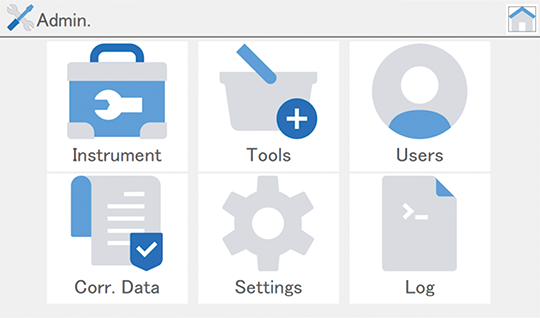
Administration window
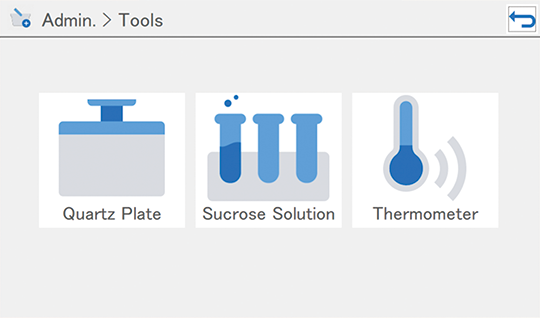
Tool registration window
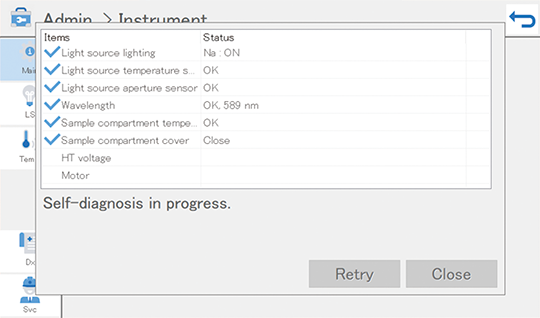
Confirmation of instrument condition
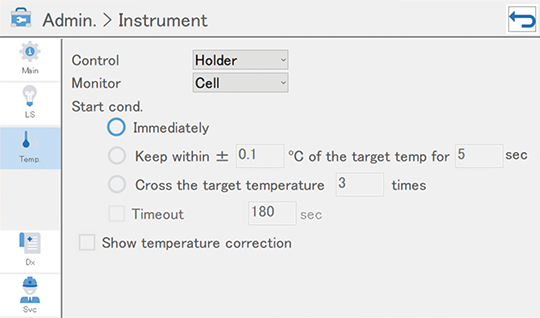
Setting of measurement start temperature
Only CFR version available